 ChessPuzzlePrint
PGN Chess Viewer
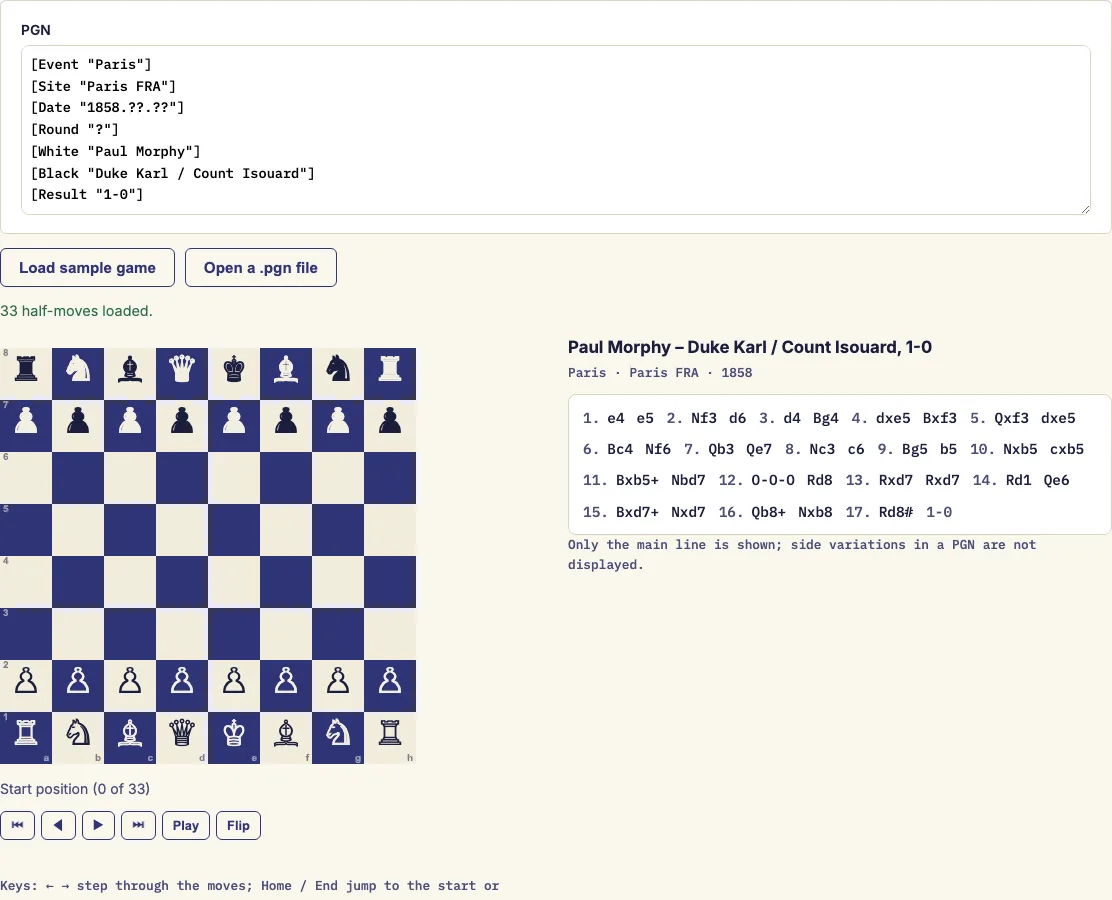
Paste a game in PGN and step through it on a board: click any move, use the arrow keys, or let it play.
What is PGN in chess?
A PGN file is the plain-text format that chess games are saved in, and this PGN viewer turns one back into a game you can step through on a board. Paste the PGN into the box or open a .pgn file, and the viewer shows the position after each move, shades the last move, and lets you jump to any point in the game. The viewer is free and runs in your browser.
PGN stands for Portable Game Notation. Programs find the format easy to read, but the raw text is hard for people to follow. This chess PGN viewer shows the players, ratings, event, date and result above the moves, and comments appear under the board as you reach them.
How to use the PGN viewer
- Paste the PGN into the box, or open a .pgn file. The sample game is loaded to start with, so you can try the viewer first.
- If the file holds several games, pick one from the "Game" list.
- Click any move in the move list to jump straight to it.
- Use the buttons to move through the game: first position, previous move, next move and last position.
- Press Play to advance one move per second.
- Press Flip to view the board from Black's side.
- If a move in the PGN cannot be played, the viewer says which one and lets you replay everything up to it.
With the page focused, the left and right arrow keys step back and forward. While a viewer button has focus, Home and End jump to the start and end of the game. For short games, the page address remembers the game and the move you are on, so you can copy the link and send someone a particular position.
The viewer splits the text into games at each new tag block or after each result, so a file with several games in it appears as a list. Flip changes only the view of the board, not the moves, so you can show the same game from either side.
What is a PGN file in chess?
A PGN file is a plain-text file that records one or more chess games. The format was created by Steven J. Edwards in 1993 and is built so that software can read it easily. Any text editor can open a .pgn file.
A game in PGN has two parts. First come the tag pairs in square brackets, such as [White "..."] and [Result "1-0"]. After the tags comes the move text in standard algebraic notation, such as e4 or Nf3. Comments go in curly braces and side variations go in round brackets.
The game ends with a result. 1-0 means White won, 0-1 means Black won, 1/2-1/2 is a draw, and * means the game is unfinished.
Because a PGN file holds only text, it lists the moves but never draws the board. Reading a line such as "1. e4 e5 2. Nf3 Nc6" in your head takes practice. A viewer that rebuilds each position makes the game much easier to follow.
What do the clock tags mean?
Some PGN files record the clock after each move in a tag such as [%clk 0:03:00]. The viewer shows that value as a plain clock time, so you can see how much time was left at each point in the game. Other commands written in curly braces, such as [%eval …], are hidden.
How do I open a PGN file?
Opening the file in a text editor shows the moves as raw text, with the tags at the top. That is useful for checking or correcting the file, but it does not show the position on the board. To follow the game, you need a program that reads the moves in order and draws each position after them.
The viewer does this in order. It reads each move, applies it to the position, and shows the result. If the file starts from a set-up position, a [FEN "…"] tag tells the viewer where to begin, and the move numbers continue from there.
Examples
Teacher – Student

1. e4 e5 2. Nf3 Nc6 3. Bb5 a6

Comments shown: Attacks e5. / The Ruy Lopez.
Side variations not shown: 1
Questions and answers
What do the tags in a PGN mean?
Tags are pairs such as [Event "..."] written in square brackets, and they describe the game. The seven standard tags are Event, Site, Date, Round, White, Black and Result. The viewer shows the players, ratings, event, site, round, date and result from these tags above the moves.
Is the game uploaded?
No. The PGN is read in your browser and stays on your computer.
What happens if a file contains several games?
The text is split into games at each new tag block or after each result. A list lets you choose which game to replay.
Are side variations shown?
No. The viewer plays the main line only. Variations in brackets are skipped, and a note under the move list says how many there were.
Can I open a PGN file on Windows?
Yes. Any text editor, such as Notepad, can open a .pgn file to read the raw text. To follow the game on a board, paste the text into this viewer or open the file here.
What do the symbols and curly-brace text mean?
Annotation symbols $1 to $6 are shown as !, ?, !!, ??, !? and ?! next to the move. Text in curly braces appears under the board when you reach the move it follows. Commands such as [%eval …] are hidden, and [%clk …] is shown as a plain clock time.
Related chess tools
Open-source components used by this tool: chess.js (BSD-2-Clause).
Updated